Start your 14-day free social wall trial



Trusted by brands worldwide


.png)

BMW Group Uses Walls.io for Event Screens, Website Social Feeds, UGC Campaigns and Employee App
Link to "Current" pageIn 2018 a team at BMW Group Germany put a social wall on a stage at an internal event in Munich and hoped 500 people would post to it. The wall worked; attendees loved it. That one screen has since become 23 social walls: one for every market inside the employee app, one on the brand website, and several more for user-generated content campaigns.


.avif)
.avif)
Sandvik Coromant Achieves Year-Round Employee Engagement Across 150 Countries With Walls.io
Link to "Current" pageUsing Walls.io significantly boosted internal engagement for Sandvik Coromant. The social wall helps employees from different countries connect and participate in various events throught the year, fostering a strong sense of community and company culture.

Three products, one unified brand experience
The Walls.io product stack is best enjoyed together – connecting seamlessly to power your content activation.
Drive engagement with real content
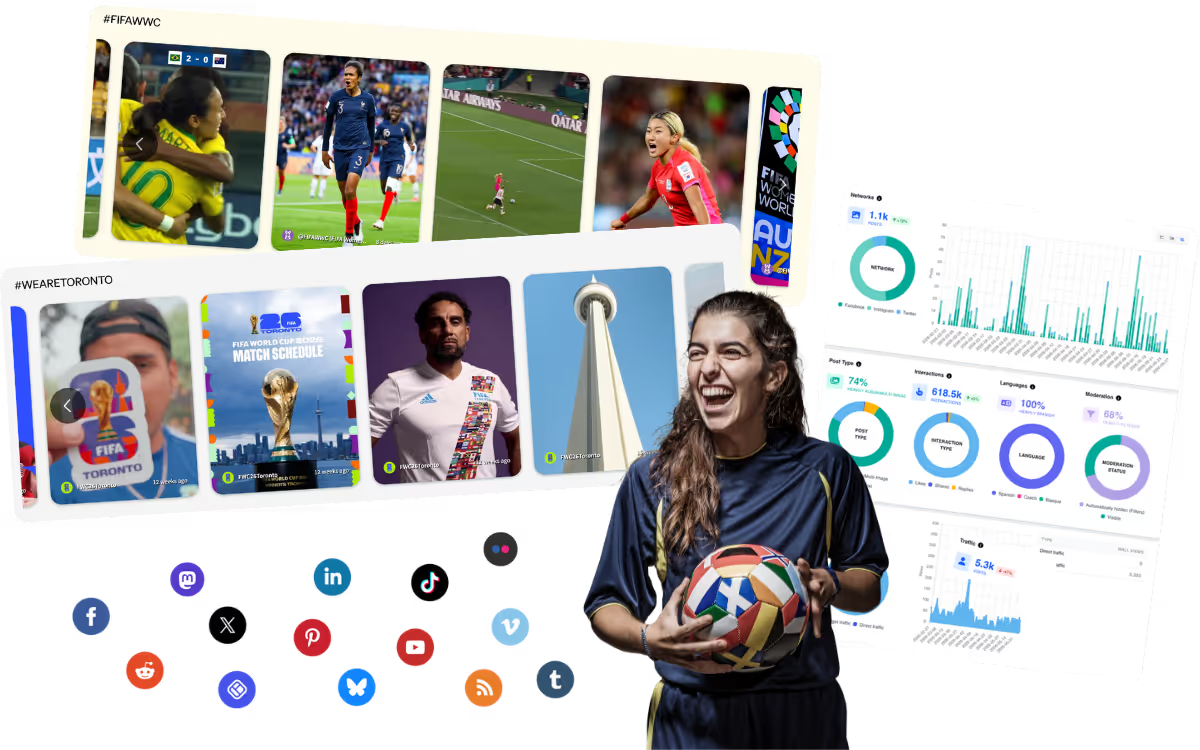
Display curated content from 14 social channels or have your audience share their own posts directly. The Walls.io social wall is used across events, screens, websites, intranets, and more.
- Encourage participation with interactivity features and filter posts with AI/manual moderation
- Embed your social media wall with a copy/paste of an auto-generated code
Bring your social wall to life
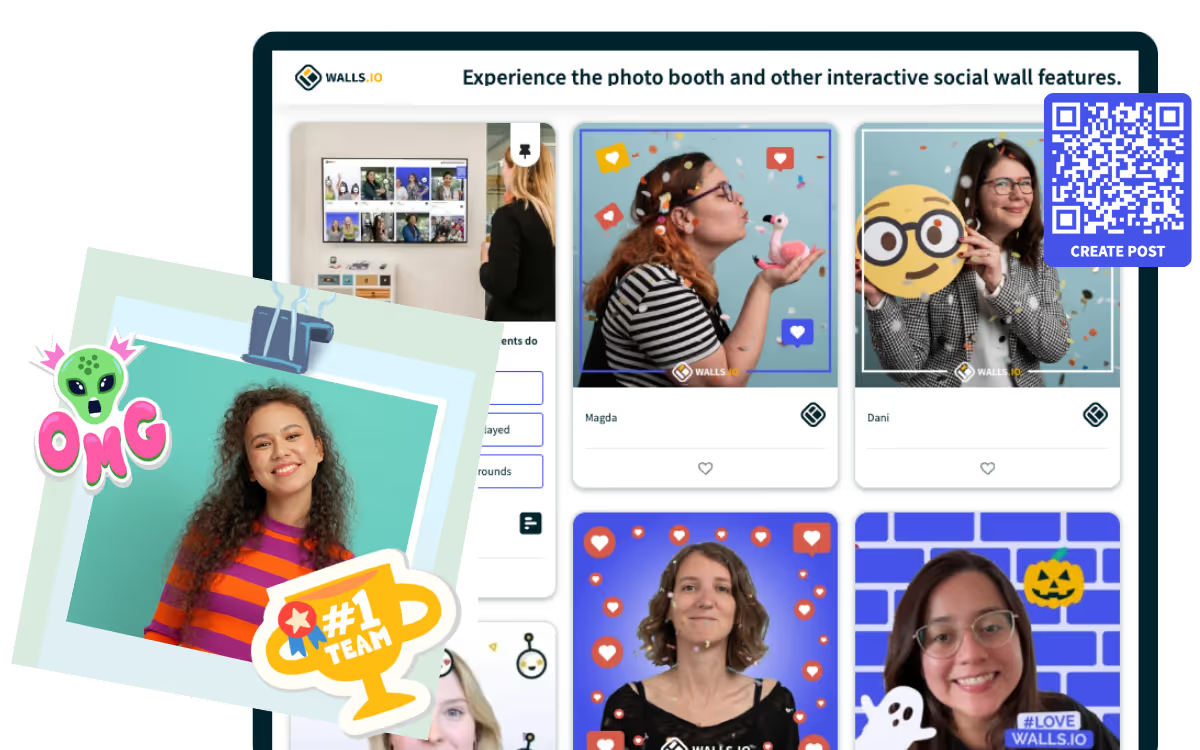
The Walls.io Lens photo booth add-on offers a branded, interactive experience where attendees can snap photos or GIFs that instantly appear on the social wall.
- Upload branded stickers, frames, and backgrounds so users can personalize their posts
- Enable QR code for easy scanning and submissions
Turn your audience into your event marketing team
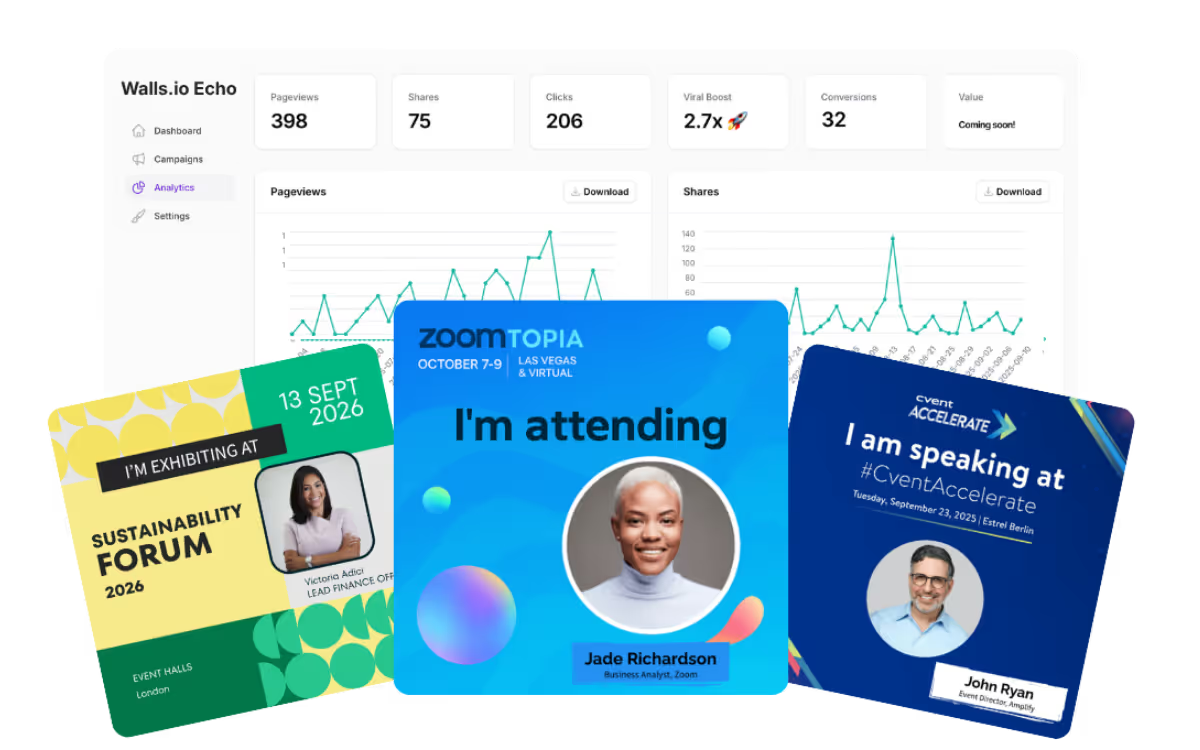
With Walls.io Echo, your attendees/speakers help promote your event through branded social media cards that can be shared to their networks in just a few clicks.
- Share to LinkedIn, X (Twitter), Facebook, Instagram, Whatsapp, and Telegram, Email, and SMS
- Measure the impact of shares with custom UTM parameters and our Analytics Dashboard
Looking for a custom solution?
Streamline your social media strategy across events, websites, and digital signage with an enterprise plan. Walls.io is a great fit for multi-country, multi-language use cases. Talk to us and get a tailored offer!